
How to Watch TikTok on a Desktop Browser (Without the App or an Account)
Learn how to Watch TikTok on Desktop securely. Use your browser as a privacy shield to bypass forced logins, avoid aggressive app tracking, and view safely.
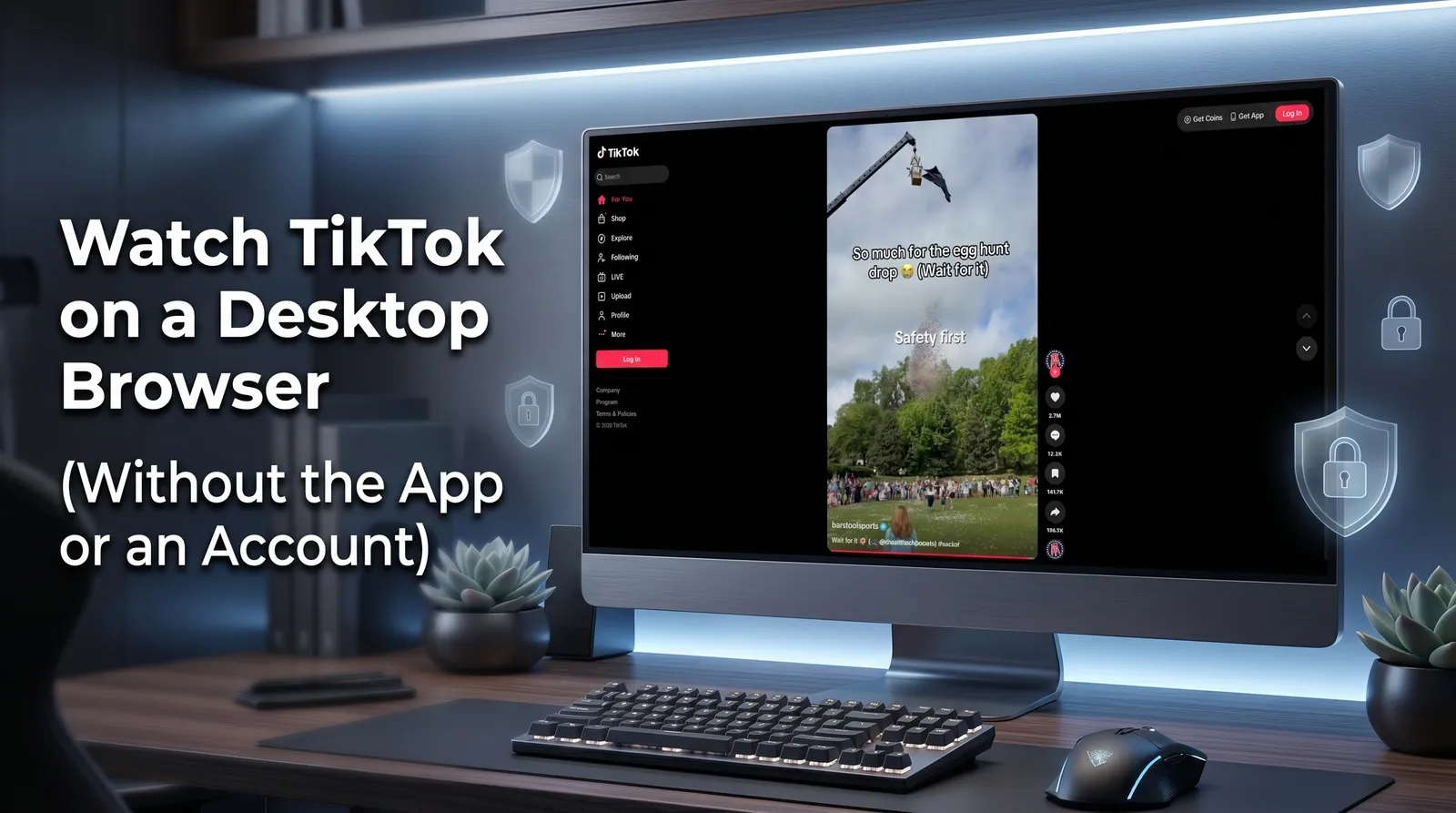
Table of Contents
- Understanding the Privacy Shield: TikTok App vs. Desktop Browser
- How to Implement Anonymous Viewing: Using TikTok on Browser Without Account
- Common Pitfalls & Solutions: Navigating TikTok Web Limitations
The TikTok mobile app is notorious for aggressive data harvesting, massive storage consumption, and invasive in-app keylogging. If you want to consume content without surrendering your clipboard data or contact lists, utilizing a TikTok desktop browser is your strongest strategic privacy shield. Isolating your viewing sessions within a sandboxed web browser prevents invasive mobile tracking entirely. This guide cuts straight to the technical steps. You will learn exactly how to watch TikTok in browser without opening app, bypass forced login walls, and navigate the specific limitations of the TikTok web version.
Understanding the Privacy Shield: TikTok App vs. Desktop Browser
Viewing TikTok on a PC is significantly safer than using the mobile application. If you are wondering, can I use TikTok on PC without downloading?—the answer is yes, and doing so is a massive upgrade for your digital security.
The mobile app demands extensive device permissions, including access to your contacts, local network, and clipboard data. Worse, its in-app browser has been caught utilizing keylogging scripts to monitor keystrokes. By contrast, a standard web browser operates in a sandboxed environment. It restricts the platform’s ability to scrape hardware-level data or monitor off-site activity.
Privacy Risks: TikTok App vs. Desktop Browser
| Feature / Risk | TikTok Mobile App | Desktop Web Browser |
|---|---|---|
| Data Tracking | Aggressive (Contacts, Location, Clipboard) | Restricted (Sandboxed environment) |
| In-App Keylogging | Yes (Monitors keystrokes in-app) | No (Browser prevents script injection) |
| Storage Space | High (Caches gigabytes of data) | Zero (Runs purely in browser memory) |
| Account Requirement | Heavily enforced | Easily bypassed |
For a deeper dive into mobile alternatives, read How to Watch TikTok Without the App.
How to Implement Anonymous Viewing: Using TikTok on Browser Without Account
You can easily access the platform and watch TikTok anonymously without handing over personal data or creating a profile. Here is how to execute a secure, account-free viewing session.
Activating TikTok Guest Mode
If you are searching for exactly how to use TikTok on browser without account, the platform’s built-in Guest Mode is your first line of defense. Follow these steps to trigger it:
- Step 1: Open a private or Incognito window in your desktop browser.
- Step 2: Navigate directly to TikTok.com.
- Step 3: When the login prompt appears, click “Continue as Guest” (or simply click the “X” in the top right corner of the pop-up).
- Step 4: Begin scrolling the “For You” page.
TikTok Guest Mode utilizes a session-based algorithm. Instead of tying your viewing habits to a permanent profile, it temporarily adapts the feed based on your watch time during that specific browser session. Once you close the Incognito window, the session data is wiped, allowing you to navigate without triggering persistent login prompts.
Learn more about maximizing this feature in our guide on How to Use TikTok Without an Account.
Bypassing Login Walls with Third-Party TikTok PC Viewers
Even in Guest Mode, TikTok’s web interface frequently interrupts scrolling with aggressive, unskippable login pop-ups. To bypass these walls entirely, you need a dedicated TikTok PC viewer.
Third-party web tools like WatchWithout and See TikTok extract the video feed via API, allowing you to search usernames and hashtags without ever touching TikTok’s official domain. Simply navigate to one of these viewer sites, enter the target username in the search bar, and watch the content in a clean, pop-up-free interface. This completely neutralizes TikTok’s tracking scripts and eliminates login interruptions.
Discover the most reliable platforms in our roundup of the Best Free TikTok Viewer Tools.
Common Pitfalls & Solutions: Navigating TikTok Web Limitations
A frequent and frustrating question from desktop users is: “Why does TikTok on a browser have way less features?”
The reality is that TikTok web limitations are intentional. ByteDance restricts desktop functionality to force users back onto the highly-trackable mobile app. When browsing on a PC, you will encounter a strict 15-second music licensing restriction on many trending audios, a complete lack of AR camera filters, and a simplified user interface that removes certain messaging and live-streaming capabilities.
However, these limitations should be viewed transparently as the necessary cost of enhanced privacy. Trading a 15-second audio cutoff for immunity against clipboard scraping and keylogging is a highly favorable security exchange.
If you are facing regional blocks alongside these feature limits, check out TikTok Unblocked: How to Access TikTok Anywhere.
Conclusion
Utilizing a desktop browser is the ultimate native workaround to watch TikTok without app tracking. By isolating your session on a PC, you can consume content freely, maintain your digital privacy, and avoid forced account creation. Whether you rely on Guest Mode or third-party viewers, the desktop environment keeps your personal data out of ByteDance’s hands.
For a complete breakdown of protecting your digital footprint, read our comprehensive guide How to View Social Media Anonymously: Complete Privacy Guide, or explore our Anonymous TikTok Story Viewer Guide for more platform-specific tips.