How to Watch Hidden Videos on YouTube: Unlisted, Private & Unavailable
Learn how to watch hidden videos on YouTube. Use advanced search tricks to find unlisted content, reveal unavailable videos, and avoid private viewer scams.
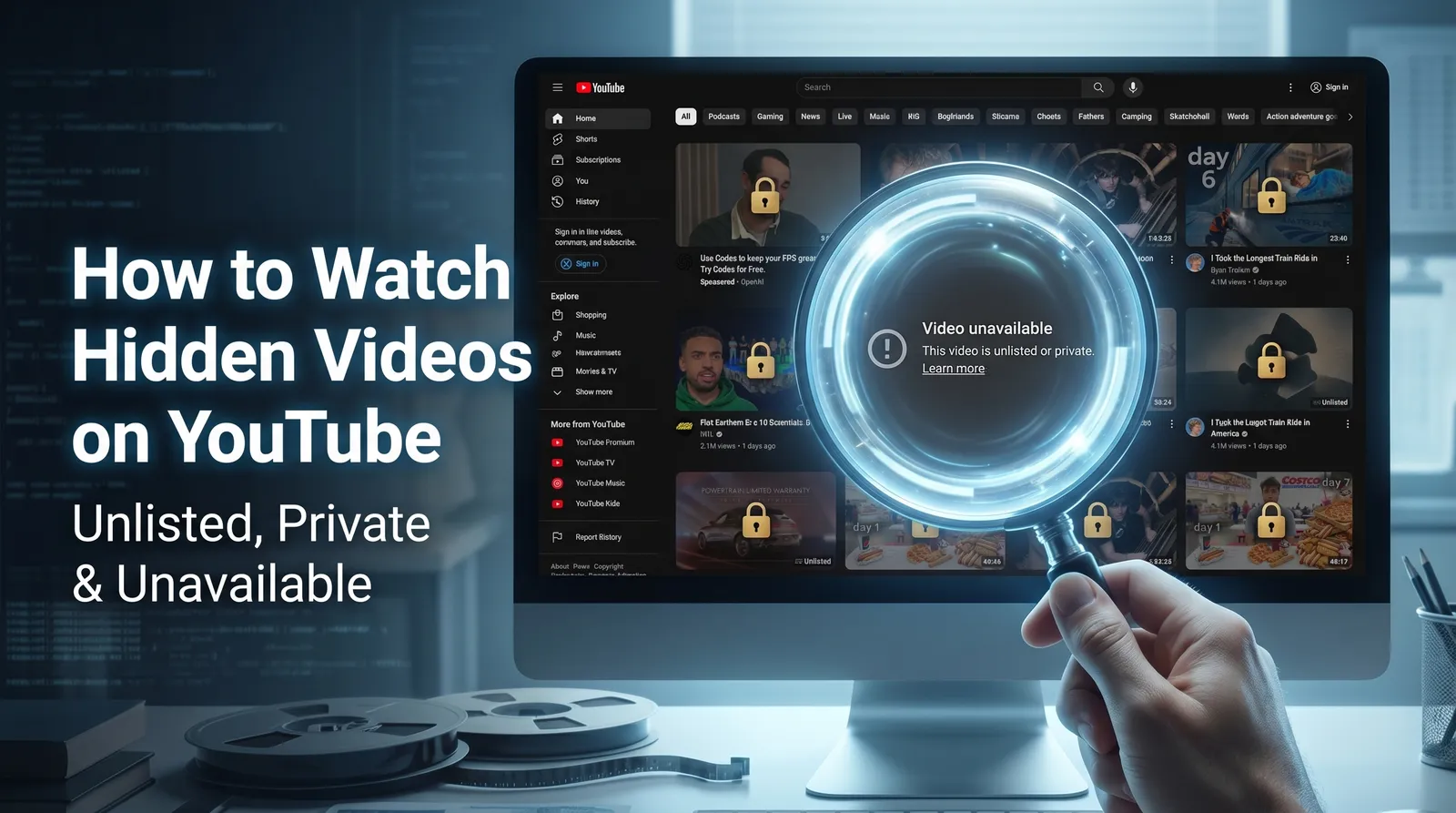
Table of Contents
- The Fundamentals of YouTube’s Hidden Video Settings
- Deep Dive into Finding Unlisted Videos Without a Link
- Deep Dive into Recovering Unavailable Playlist Videos
- Best Practices for Avoiding Scams & Protecting Privacy
- FAQ
Hitting a dead end with an “unavailable video is hidden” message or trying to track down unlisted content without a direct link is a massive roadblock for digital researchers and playlist curators.
This guide compiles advanced digital research techniques, bypassing generic fluff to deliver technical, native workarounds and legitimate third-party database strategies. You will learn exactly how to use Google Search Operators (Dorking), toggle hidden playlist settings, and leverage archival tools like Filmot. More importantly, you will definitively learn why “private video viewer” scams must be avoided at all costs.
By the end of this guide, you will have a complete technical framework for identifying and recovering hidden media. For broader operational security and research tactics, review our pillar guide on How to View Social Media Anonymously: Complete Privacy Guide.
The Fundamentals of YouTube’s Hidden Video Settings
Unlisted vs. Private vs. Unavailable: The Technical Boundaries
To successfully recover media, you must understand YouTube’s strict access mechanics.
- Unlisted: These videos are fully accessible, but only if you can find the link footprint. They do not appear in YouTube search results or subscriber feeds, but they are not encrypted.
- Unavailable: These videos are typically region-blocked, age-restricted, or deleted by the creator. You can often identify them via playlist toggles or third-party archives, which is the core method for learning how to watch youtube unavailable videos.
- Private: These videos are strictly locked to invited Google accounts. If you are researching how to view youtube private videos, the technical reality is that without an explicit email invitation and server-side authentication from Google, access is impossible.
Debunking the URL Manipulation Myth
Many competitor blogs and software sites (such as iTopVPN) claim you can bypass private video security by simply removing “watch” from the URL (e.g., changing youtube.com/watch?v=XYZ to youtube.com/v/XYZ).
This is an outdated myth. Google patched this vulnerability years ago. Private videos rely on strict server-side authentication tied to active Google sessions. Attempting URL manipulation will only result in an error page. Managing your expectations and relying on legitimate recovery methods is the only way to conduct effective digital research.
| Status | Who Can View? | Appears in Search? | Recoverable? |
|---|---|---|---|
| Unlisted | Anyone with the direct link | ❌ No | ✅ Yes — share or find the link |
| Private | Only the uploader + invited users | ❌ No | ❌ No — uploader must grant access |
| Unavailable | Nobody (removed or region-locked) | ❌ No | ⚠️ Sometimes — via Wayback Machine or re-uploads |
Deep Dive into Finding Unlisted Videos Without a Link
Advanced Google Search Operators (Dorking)
If you need to know how to find hidden videos on youtube without a link, Google Dorking is your most effective native tool. Because unlisted videos do not appear in YouTube’s internal search, you must rely on Google’s index of external websites where the link may have been shared.
Use these exact copy-paste search operators in Google:
- Search by exact title:
site:youtube.com "Exact Video Title" - Search forums for exposed links:
site:reddit.com "youtube.com/watch?v=" "Topic Keyword" - Search specific domains:
site:twitter.com "youtube.com/watch" "Creator Name"
If the unlisted link was ever posted on a public forum, blog, or social media platform, these operators will force Google to reveal the footprint.
Leveraging Legitimate “YouTube Hidden Video Viewer” Databases
When Google Dorking does not yield results, you must pivot to third-party archival databases specifically designed to index unlisted content.
- UnlistedVideos.com: This is a massive, user-submitted repository. You can use their search function to query specific channels, keywords, or video IDs to find unlisted youtube videos that have been cataloged by other users.
- Filmot: Filmot acts as an advanced youtube hidden video viewer by indexing the actual subtitles and transcripts of YouTube videos. If you remember a specific quote or phrase from the unlisted video, type it into Filmot. The database will scan millions of transcripts and return the exact unlisted URL where that phrase was spoken.
Deep Dive into Recovering Unavailable Playlist Videos
Step-by-Step: How to “Show Unavailable Videos” in a YouTube Playlist
One of the most frustrating user experiences is opening a curated playlist only to see “1 unavailable video is hidden.” To recover it, you first need to reveal its URL footprint.
Here is how to execute the show unavailable videos youtube playlist toggle:
- Navigate to your YouTube Library or YouTube Studio.
- Open the specific playlist containing the hidden videos.
- Click the three-dot menu icon located on the right side of the playlist interface.
- Select “Show unavailable videos” from the dropdown menu.
This native toggle forces YouTube to display the dead link, and occasionally, the original title or thumbnail. This 11-character video ID is the exact footprint you need for the next step.
How to reveal hidden playlist videos:
- Open your YouTube playlist
- Click the three-dot menu (⋮) at the top of the playlist
- Look for “Show unavailable videos” toggle — enable it
- Previously hidden entries will reappear as grayed-out items with their original titles visible
Using the Wayback Machine for Deleted Content
Once you have revealed the URL of the unavailable video, you can watch deleted youtube videos by plugging that link into archival tools.
Copy the full URL (or just the 11-character ID) and paste it into the Wayback Machine (Archive.org) or Quite a Playlist. If the video was archived before it was made unavailable or deleted, these tools will bypass YouTube’s current restrictions and play the raw video file.
For a comprehensive breakdown of this specific recovery tactic, read our guides on How to Use the Wayback Machine for Instagram & YouTube and How to Find & Watch Deleted YouTube Videos.
Best Practices for Avoiding Scams & Protecting Privacy
Never download shady software, browser extensions, or mobile apps claiming to be a “Private Video Viewer.”
These tools are universally phishing scams, malware, or credential harvesters. According to YouTube’s official privacy documentation, private videos are secured by impenetrable server-side encryption restricted exclusively to the uploader and explicitly invited Google accounts. There is no backdoor, and no third-party tool can hack Google’s infrastructure to grant you access. Protect your privacy by sticking to legitimate archival and search techniques.
Conclusion
Navigating YouTube’s privacy settings requires technical precision, not false promises. While unlisted and unavailable videos can be successfully uncovered using advanced Google Dorking, native playlist toggles, and archival databases like Filmot, private videos remain completely secure.
By understanding these technical boundaries, you can rely on legitimate workarounds and avoid dangerous scam tools that promise impossible access.
Explore our full suite of tools for media recovery, or read our comprehensive guide on How to Find & Watch Deleted YouTube Videos to master your digital research skills.
FAQ
Are youtube unlisted videos searchable? Not natively via YouTube’s internal search bar. However, they are searchable using advanced Google Search Operators (Dorking) and third-party databases like UnlistedVideos.com, provided the link was shared publicly at some point.
Why are some youtube videos hidden? Videos are hidden for a variety of reasons, including regional copyright blocks, age-restrictions, community guideline strikes, or the creator’s explicit privacy choices (manually setting the video to Unlisted or Private).
How to view youtube private videos? The only legitimate way to view a private YouTube video is by receiving an explicit email invitation from the creator and logging into the authorized Google account. Any software or website claiming to bypass this security is a scam.